
How to create a product hierarchy in SAP
May 10, 2022
In this blog I describe how to create a product hierarchy in SAP.
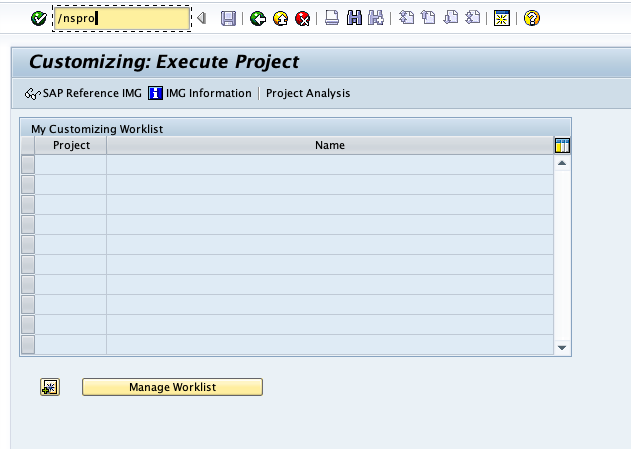
- Go to transaction spro
- Select SAP Reference Image
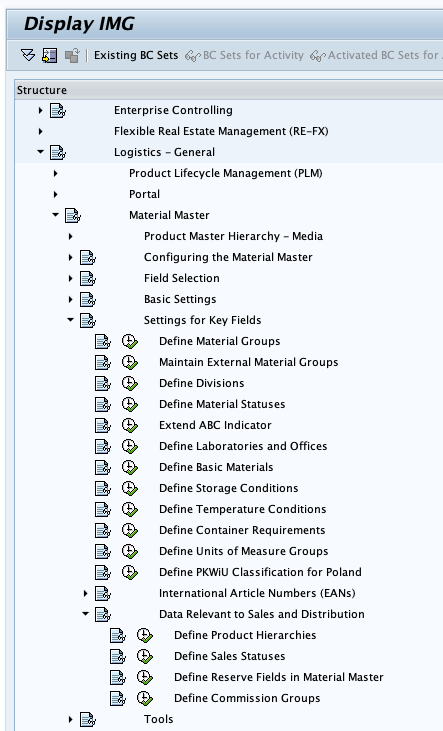
- In the tree, navigate to Logistics General > Material Master > Settings for Key Fields > Data Relevant to Sales and Distribution > Define Product Hierarchies
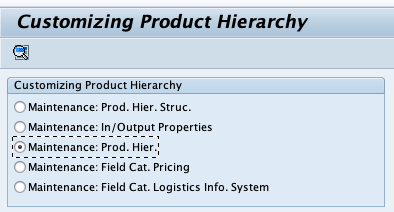
- Select Maintenance: Prod. Hier. and click the search icon
- Press the “new Entries” button.
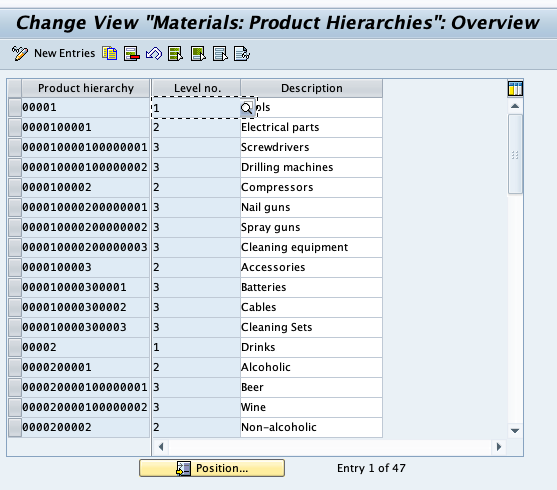
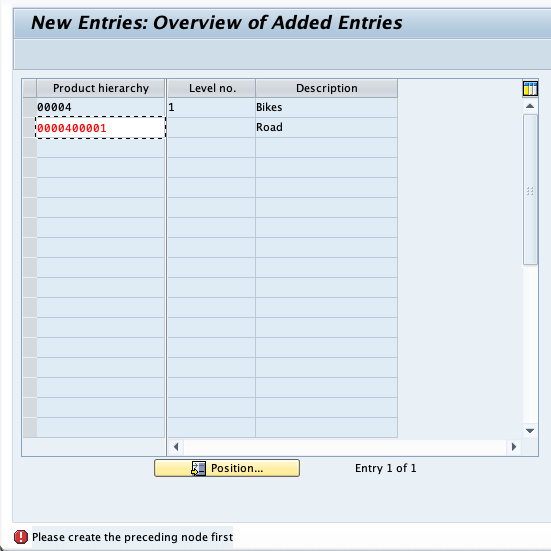
- Enter the new entries one level at a time. You can’t create multiple levels without saving in-between.
- You will need a transport request to be able to save.